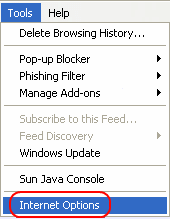
Go to the menu.
Select .
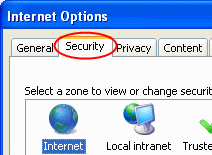
Select the tab.
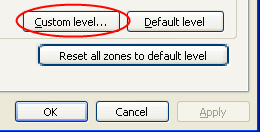
Select the
 button.
-
-
-
-

button.
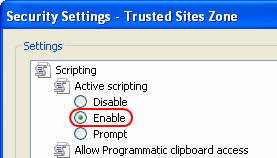
Scroll down until you get to the Scripting section.
Verify that Active Scripting is .
Press the Enter key or click the
 button.
button.
Click the
 button on the warning message.
button on the warning message.
Press the Enter key or click the
button.
button.Enable Javascript in Firefox
(For Versions 1.5 through 3.5
-
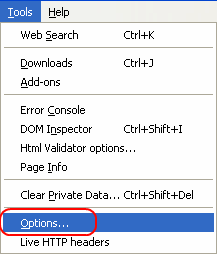 Go to the menu.Select
 -
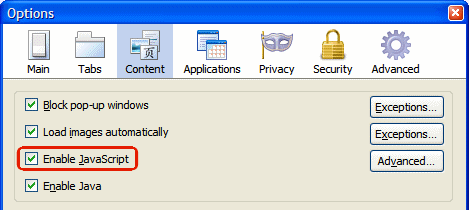 Select the
 tab.Check .
 -

Press the Enter key or click the
button.